

Knowledge management decides how fast your teams find answers, how quickly new employees get up to speed and how much know-how leaves with every resignation. Here you get a short definition, the types of knowledge, tool categories, selection criteria and our list of the 10 best knowledge management tools for companies.
For a broader overview of AI solutions, read our comparison of the best AI platforms for companies.
Table of Contents
How companies manage their knowledge: definition and process
Knowledge management (KM) is the systematic process of identifying, creating, capturing, organizing, sharing and using the knowledge of an organization, so that employees find the right information at the right time. It covers explicit knowledge such as documents, data and guidelines as well as tacit knowledge (also called implicit knowledge): the experience and know-how in people's heads. Together they form the knowledge assets of a company, often described as its intellectual capital.
In practice, knowledge management is a mix of strategy, culture and process. A platform alone does not make people share know-how, but without the right tool even the best strategy stays on paper. The knowledge management process usually runs through these steps:
- Identify: which knowledge exists, where is it stored, where is it missing?
- Create and capture: knowledge creation happens in projects, service cases and daily work. Document explicit knowledge and record the know-how of experienced team members.
- Organize: structure content in a knowledge base or connect the knowledge management systems where it already lives.
- Share: make knowledge accessible to the people who need it and make knowledge sharing part of daily routines.
- Use: apply it in daily work, decisions and onboarding.
- Update: review content regularly and remove what is outdated.
Strategy and culture come first
A knowledge management strategy defines which knowledge is critical for your business, who owns it and how knowledge creation and transfer work between teams. Without it, even good knowledge management systems turn into document graveyards. The strategy also has to fit your organizational culture: if team members see knowledge as personal power, they will not document it, however simple the tool is. Companies that reward knowledge sharing, give experts time to pass on their know-how and treat their knowledge assets as shared property get far more out of any software. In short: start with the knowledge management strategy and the culture, then choose the tool that supports both.
What is a knowledge management tool?
A knowledge management tool is software or a platform that supports companies and organizations in systematically capturing, organizing, sharing and efficiently using knowledge. The aim is to improve internal communication and collaboration, facilitate knowledge transfer and increase productivity.
One challenge of knowledge is that "knowledge" as such and its direct impact or ROI is difficult to measure. For years, knowledge management was neglected in many companies, and many companies are now feeling the disadvantages: a lot of "searching around", asking questions or consulting with colleagues, which in turn leads to poorer decisions and inefficiencies.
Business value for your company
Despite the challenges and the sometimes difficult-to-calculate ROI, we have calculated the business case for AI tools. In addition to classic measures such as time savings, these added values are also very important, depending on the use case of course:
- Time savings: lightning-fast access to information.
- Teamwork: Shared knowledge, fewer misunderstandings.
- Knowledge retention: No fear of staff turnover!
- Better decisions: Reach your goal based on data.
- Innovation: Creativity thanks to pooled knowledge.
- Scalability: Grows with your company.
- Security: Compliance and risk minimization.
Types of knowledge: structured, unstructured and tacit
We have already explained the types of knowledge management in more detail in a separate article. They depend primarily on the structure of the information.
- Unstructured data
Unstructured data includes all information that is not stored in tabular form, such as documents, emails or intranet entries. Document management systems (DMS) attempt to organize certain documents such as invoices by filing them in a more structured way. Data that is tagged is referred to as semi-structured data.
- Structured data
Structured data is organized in tabular form and is stored in systems such as ERP or PLM applications. These systems record and manage characteristic values or properties of products, production processes or other business data.
- Tacit knowledge (implicit knowledge)
A significant proportion of knowledge in companies is often not yet digitized and therefore difficult to access. Particularly affected is the know-how gained from the experience of long-standing employees, which is not recorded in any database and is often only preserved by being passed on personally. Unlike explicit knowledge, it has to be made visible first. Otherwise it leaves the organizational memory with every retirement.
Ultimately, it is clear that every system and every database contains knowledge and is, at least in theory, a knowledge management tool. Nevertheless, in the next step we will take a closer look at the different types of knowledge management systems.
Six tool categories at a glance
In order to adequately map the different types of knowledge, various tool categories have been formed around knowledge management. These are explained in more detail below.
Knowledge databases
Knowledge databases, often simply called a knowledge base, are central storage locations for information that is structured and easily retrievable. They are used to collect, categorize and make knowledge available within an organization. They often contain documentation, FAQs, knowledge articles and instructions that help employees to access relevant information quickly. Well-known examples are Confluence or SharePoint. One challenge is the retrievability and structuring of knowledge, especially with ever-increasing amounts of data.
Customer management systems
Customer relationship management (CRM) systems support companies in managing customer information and interactions. They help to store customer histories, track inquiries and create personalized offers. Systems such as Salesforce or HubSpot promote the exchange of knowledge between sales, marketing and support.
Tools to capture tacit knowledge
Tools for digitizing expert knowledge capture the know-how of experienced employees in order to preserve it for the company in the long term. This is done through knowledge platforms, video tutorials or collaborative documentation. Such solutions reduce the risk of knowledge loss in the event of staff turnover, strengthen the organizational memory and enable new employees to be trained more efficiently.
Content management systems
Content management systems (CMS) such as WordPress or TYPO3 enable the structured creation, management and provision of digital content. They are particularly relevant for websites, blogs or internal knowledge platforms and help companies to efficiently organize and update content for different target groups.
Learning management systems
Learning management systems (LMS) support digital learning within organizations. They offer training, courses and further training measures in a structured environment and enable employees to acquire knowledge in a self-directed manner or in organized programs.
Enterprise search solutions
Enterprise search solutions make it easier to search for relevant information within a company’s large databases. They use algorithms and AI technologies to efficiently search documents, emails, databases or intranets and deliver relevant results. They are particularly interesting for making decentralized information accessible. One example of such a solution is amber.
The 10 best knowledge management tools for companies
In the following, you will get to know what we consider to be the best knowledge management solutions. In principle, you could also develop elements of such solutions yourself instead of buying them in. If you're not sure when it makes sense to buy a solution and when it makes sense to develop it yourself, read our article on AI software: make or buy.
1. Platform3L
Source: Platform3L
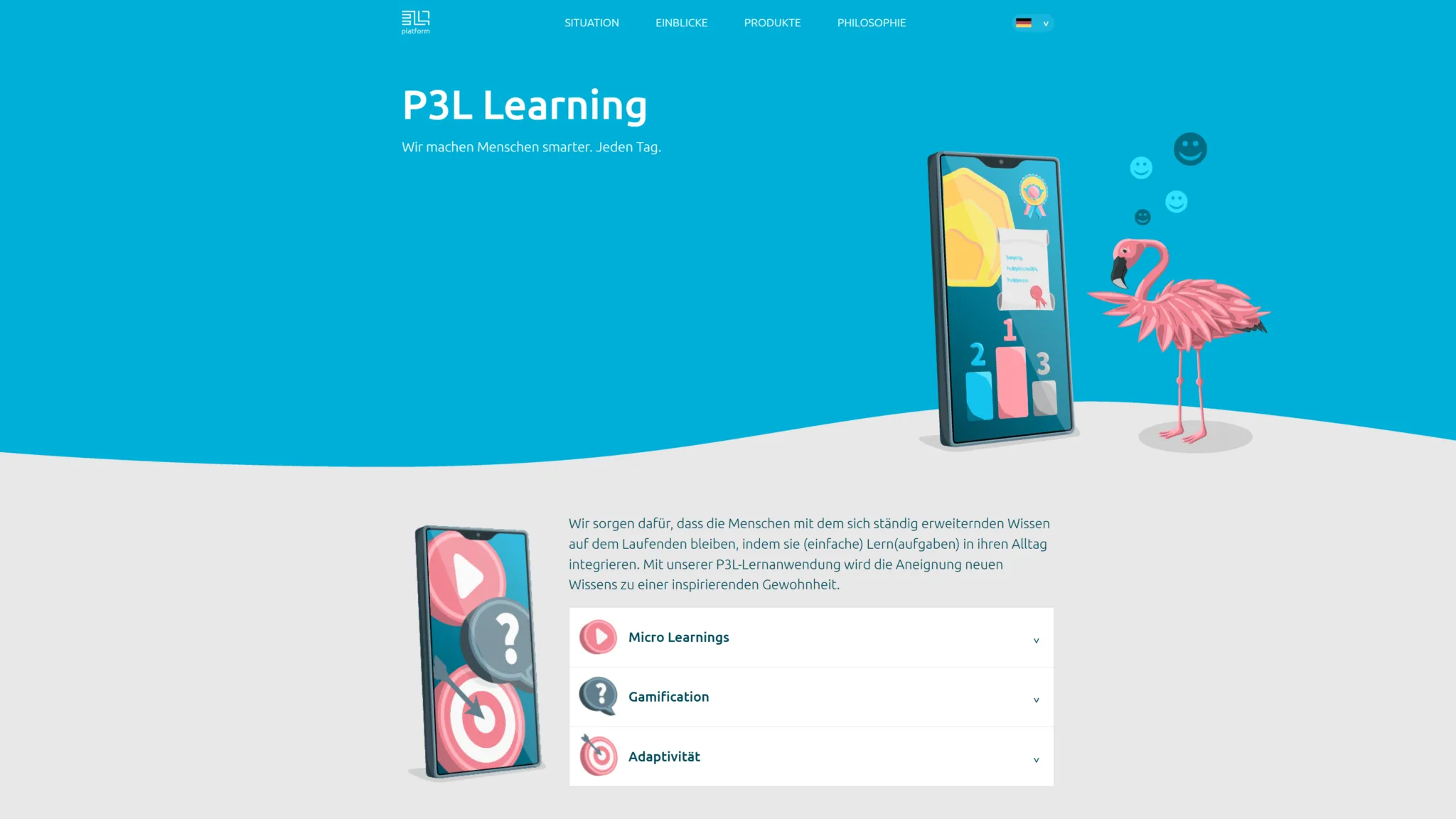
A major challenge for many companies is the knowledge in employees’ heads, which is not accessible even via various digital tools. Platform3L offers employees the opportunity to conduct interviews. The platform then uses this information to automatically create tests and training materials for other employees with the help of AI. The aim is to stimulate innovation and counteract the stagnating innovative strength in Germany.
Classic use cases are in the onboarding and offboarding of employees as well as in various qualification and further development measures to support lifelong learning.
2. amber
amber focuses on making internal know-how quickly and easily accessible. Since information is distributed decentrally in most companies, amber brings it together with a kind of "corporate Google": one search with amberSearch across over 70 data sources such as Drive, Teams, emails or ticket systems, without migrating or copying data. Existing access rights apply automatically from day 1. In addition, amberAI, the chat, works as a GDPR-compliant company GPT: every answer is backed by sources from your company knowledge. Hosting and processing take place in Germany and Europe, and amber is ISO 27001-certified.
Typical use cases of amber are therefore in daily "doing" to increase company-wide efficiency, especially for onboarding employees, in project business or product development. You can find a complete overview of the use cases in our customer stories.
This video explains how amber works:
amber also provides a free demo in which over 10 different systems are connected. The demo can be tried out free of charge here:
3. Confluence
Source: Confluence
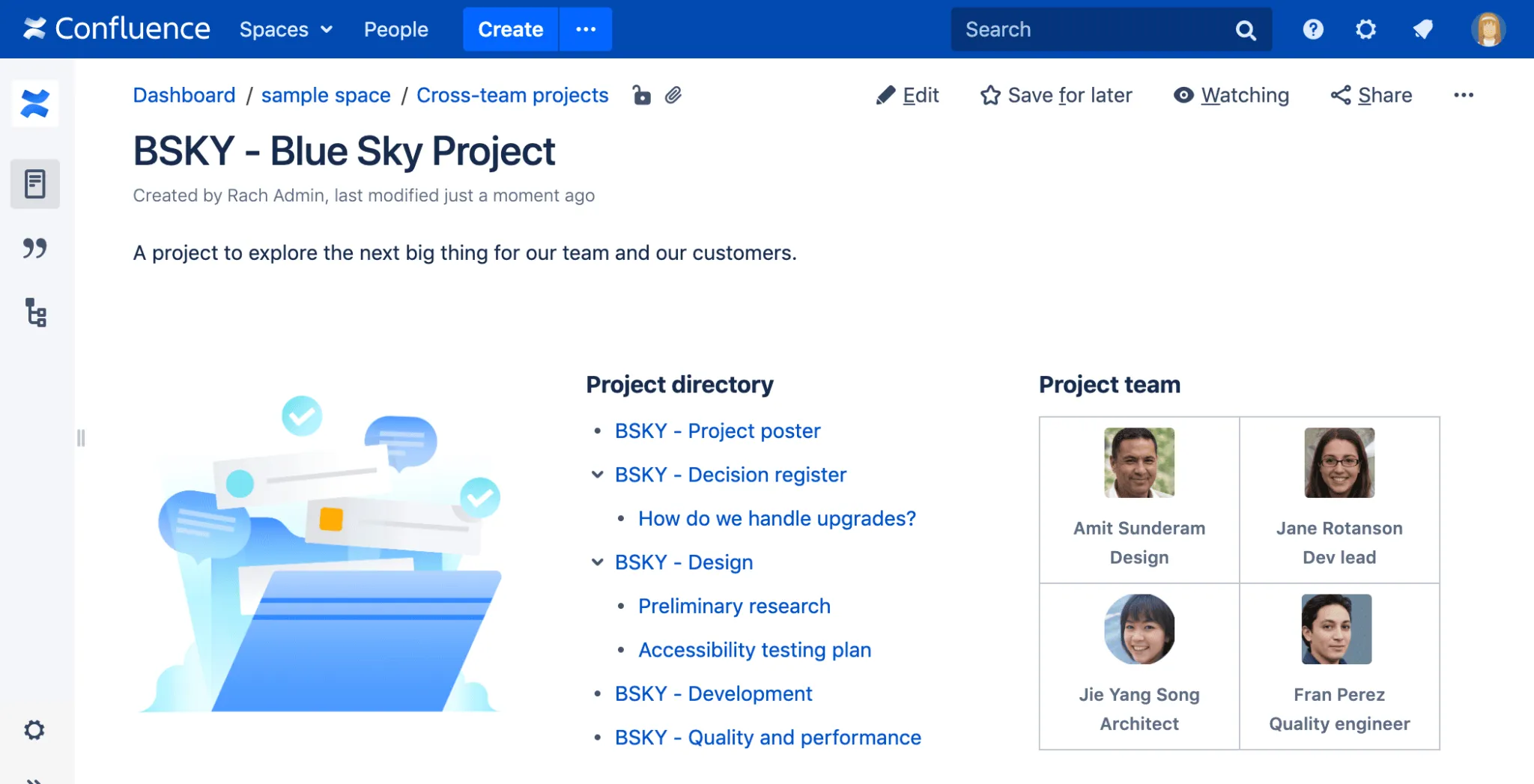
Confluence is a knowledge management and collaboration platform that helps companies to store and share information in one central location. Confluence can be used to record content in the form of documentation, instructions or best practices. The intranet offers functions for organizing and categorizing knowledge, but requires employees to actively create and maintain content. Automation and integration can make it easier to use, but do not replace the need for well thought-out knowledge management.
Possible applications include the onboarding of new employees, the documentation of work processes and further training measures. How well Confluence fits into existing structures depends on individual use and acceptance within the company.
4. WordPress

Source: WordPress
WordPress is a content management system that is primarily used for websites and blogs, but can also be used for knowledge management. Companies that want to collect information centrally and make it accessible can use WordPress as the basis for an internal knowledge portal. Whether it is suitable for this depends on the individual requirements and the technical implementation. With the right plugins and a well thought-out structure, documentation, instructions or internal wikis can be created entirely according to your own ideas. The flexibility of WordPress allows for customization (which requires developers), but requires that content is regularly maintained and updated. Automation is possible, but requires additional configurations.
Typical use cases are the provision of FAQ areas, internal guides or a central knowledge base. Whether WordPress works as a knowledge management tool depends on how the content is organized and used by the team.
You want to introduce AI in your company?
We’ve created a white paper that outlines best practices for integrating AI into your company.
It focuses on what really matters: connecting AI with your existing IT infrastructure and core knowledge, not just using AI on a superficial level.
Discover how to make AI truly valuable for your organization.
Download the white paper now:
5. Pipedrive
Source: Pipedrive/UIFeed
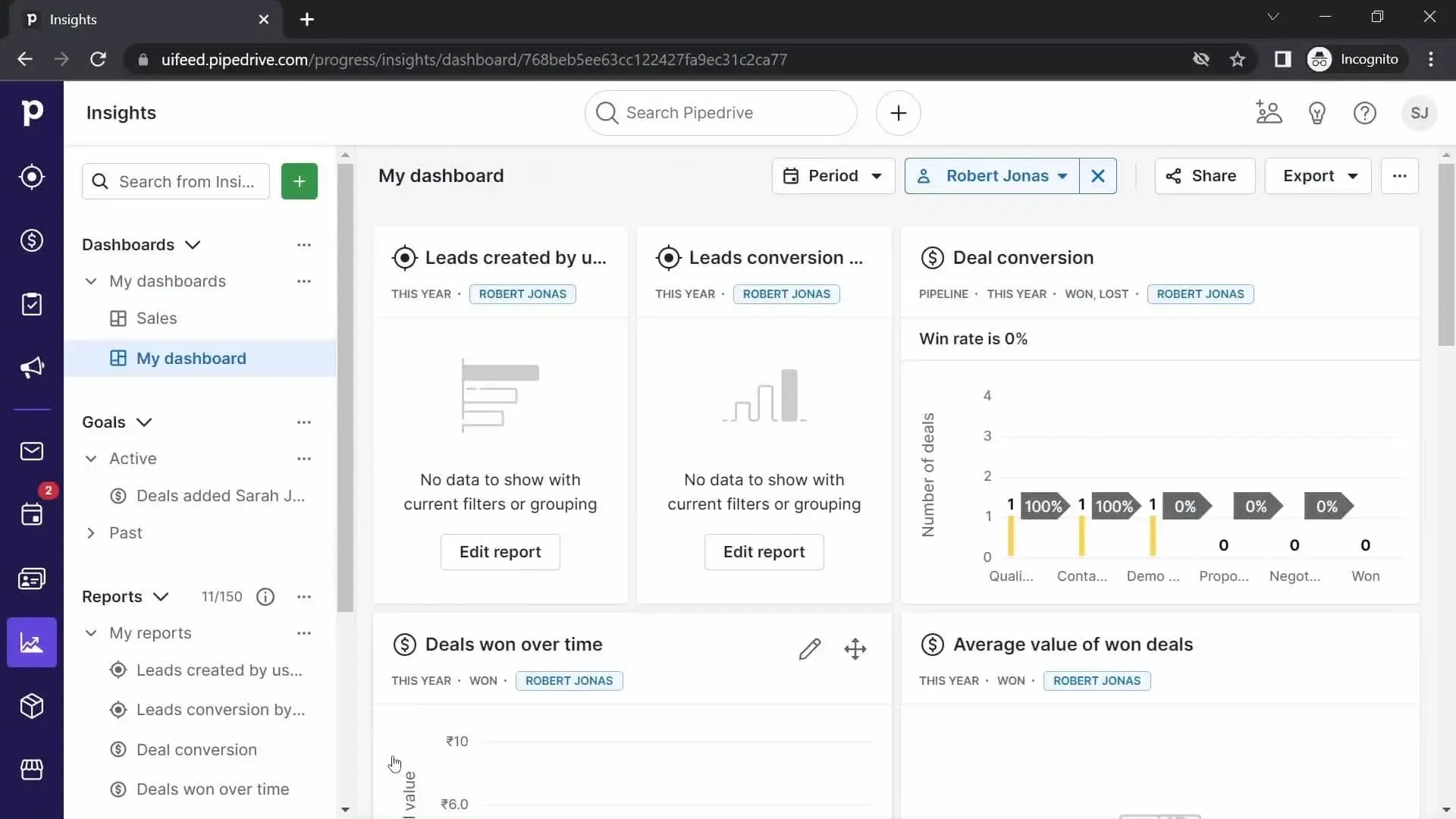
Pipedrive is primarily a CRM system for sales, but can also be used for knowledge management. Companies that want to document sales-related knowledge centrally and make it accessible can adapt Pipedrive for this purpose. Whether this is practical depends on the internal structure and the specific requirements. The software makes it possible to store information on customers, sales processes and best practices. Notes, files and other functions help to file knowledge in a structured way and make it accessible via the user interface. However, Pipedrive is not designed for knowledge management in general, but focuses primarily on knowledge within sales organizations.
Possible use cases are the documentation of sales strategies, internal guides for sales or sharing market analyses.
6. Quanos
Source: Quanos
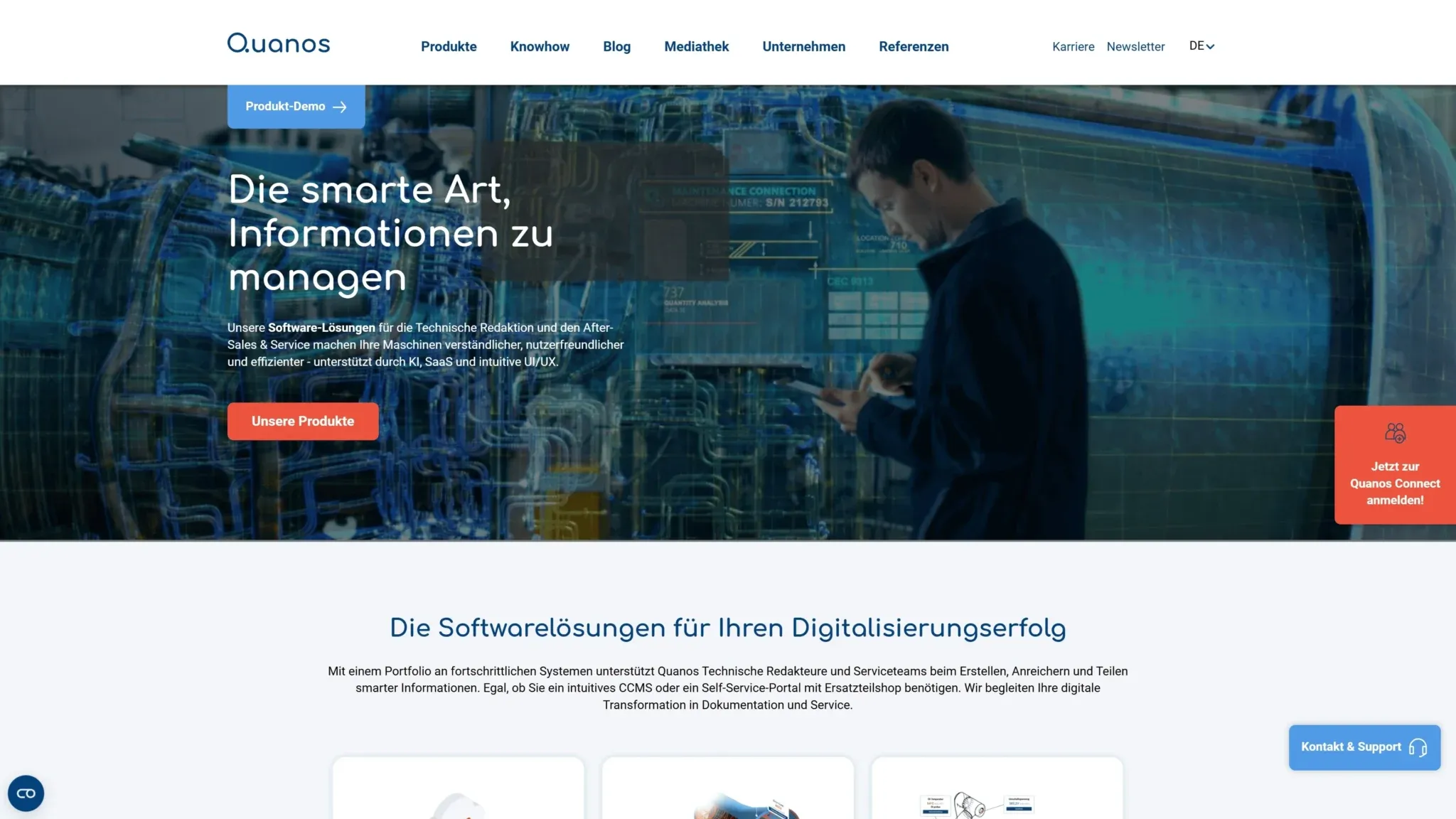
Quanos offers software solutions for technical information management and can be used for knowledge management. Companies that want to manage technical documentation centrally and make it accessible will find various functions for structuring and providing information in Quanos. The software makes it possible to capture and organize technical content and make it available in various formats (for example, company-wide). Versioning, modular content and search functions facilitate access to relevant knowledge. However, use requires a clear content structure and regular maintenance of the data.
Typical use cases are the management of operating instructions, maintenance documentation or an internal knowledge base for service and support teams.
7. Miro
Source: Miro
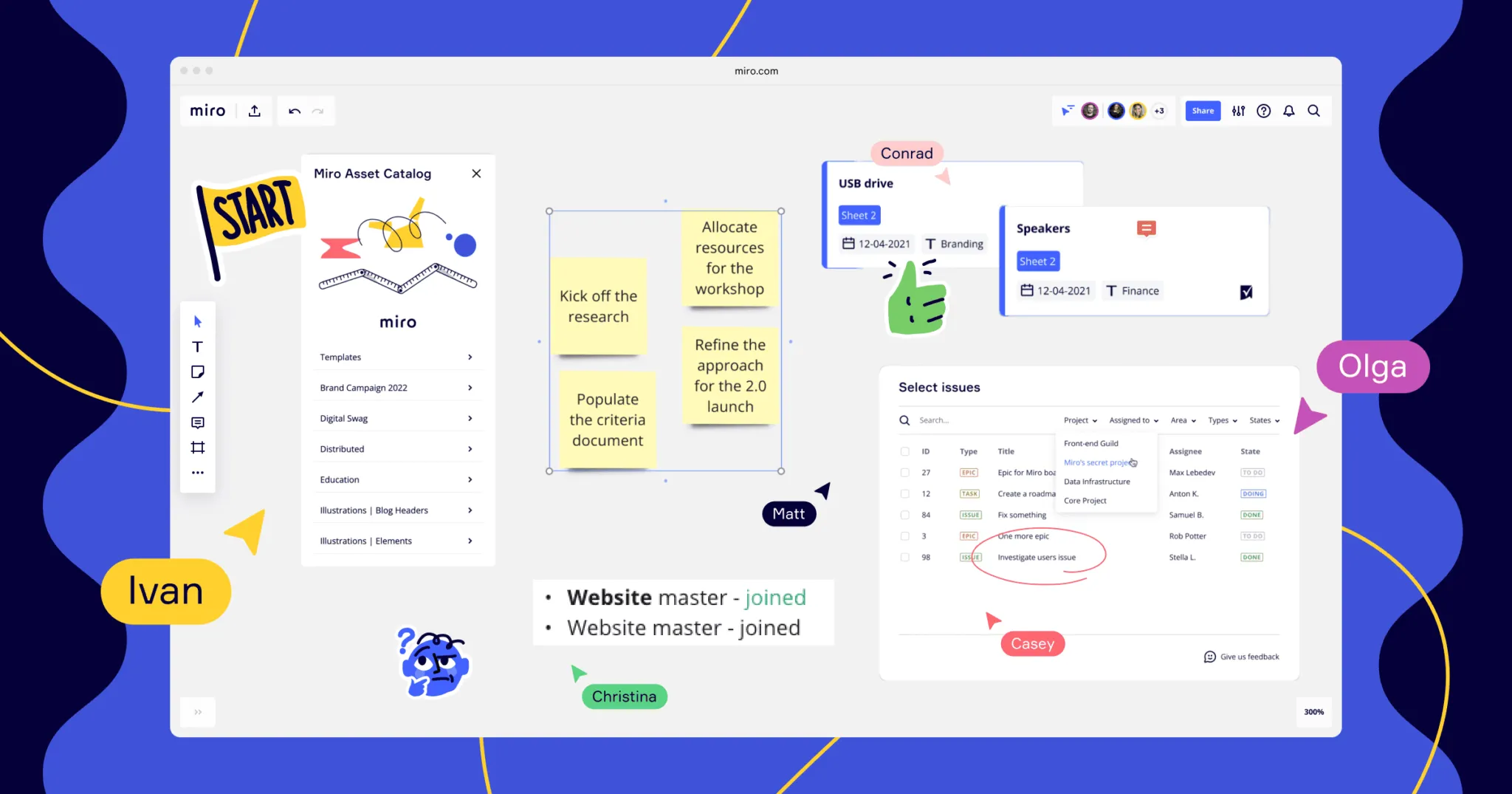
Miro is a collaborative online whiteboard that is used for visual collaboration. In companies, Miro can also be used for knowledge management by capturing information and making it accessible to teams. The platform makes it possible to organize knowledge in the form of mind maps, diagrams or interactive boards. Teams can edit, comment on and develop content together. However, Miro is geared more toward visual representations than classic documentation, which has advantages or disadvantages depending on the application.
Typical areas of application in knowledge management are the structuring of ideas, workshops for knowledge transfer or the visualization of processes.
8. Notion
Source: Notion
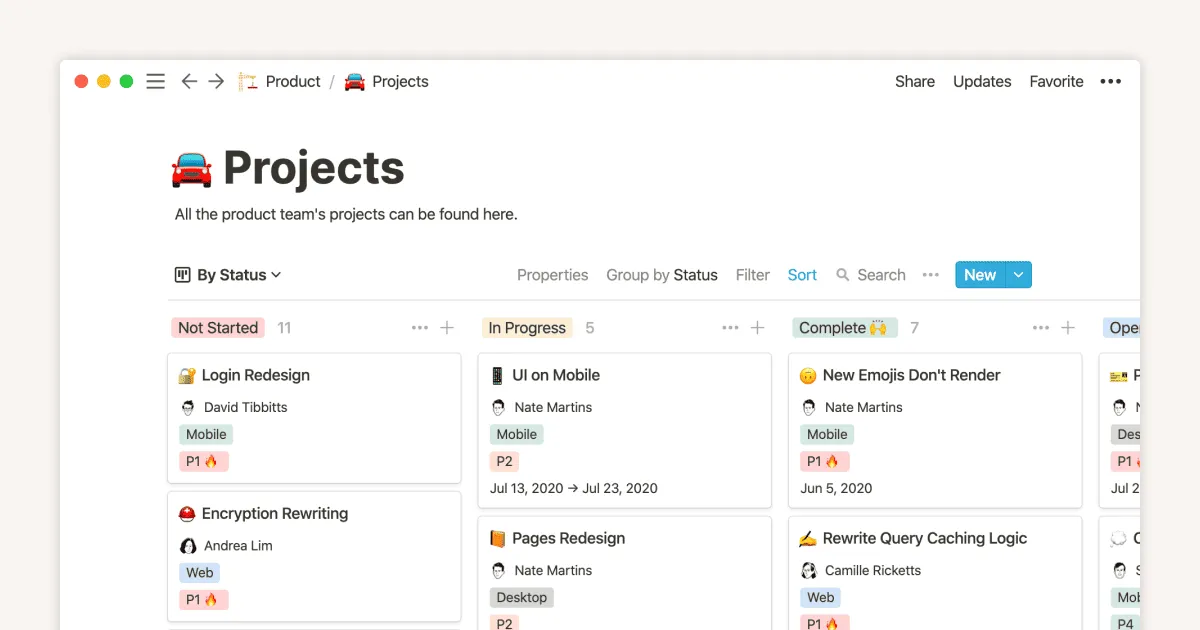
Notion is a flexible workspace for organizing information. Companies use Notion to centrally manage documentation, internal guidelines or process descriptions. With Notion, content can be structured in the form of pages, databases and linked elements. The platform offers options for collaboration, indexing and linking knowledge. However, its use requires a well thought-out structure, as the flexibility can also lead to content becoming confusing.
Typical use cases in knowledge management are the administration of internal wikis, the documentation of best practices or the storage and sharing of resources.
9. Zendesk
Source: Zendesk
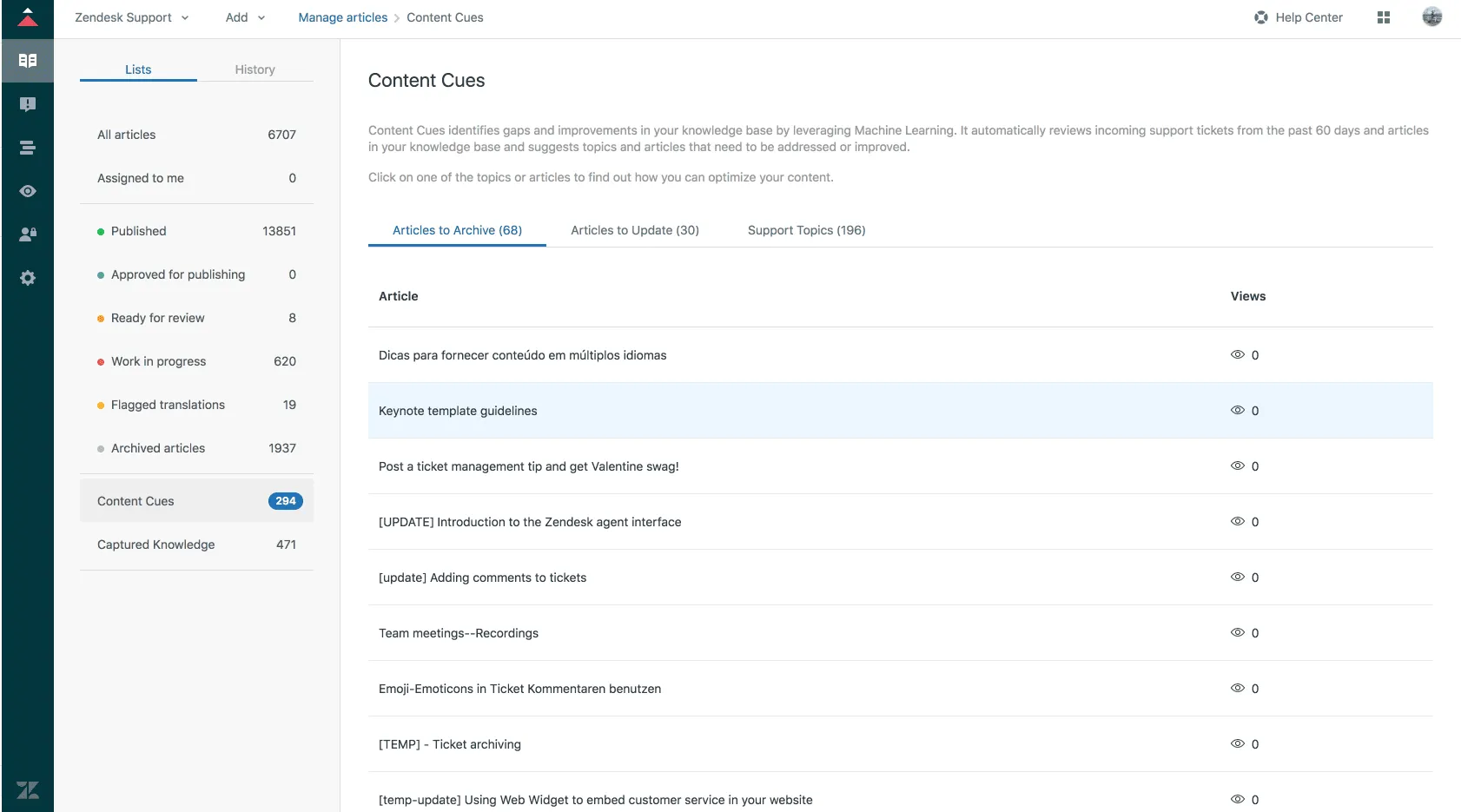
Zendesk is primarily a platform for customer support, but can also be used as a knowledge management tool. Companies use it to provide FAQs, internal instructions or support documentation. The software offers knowledge base functions that structure information in knowledge articles and make it accessible. Search and categorization functions make it easier to find relevant content.
Typical areas of application are self-service portals, internal support documentation or the provision of instructions for employees.
10. Scribe
Source: Scribe
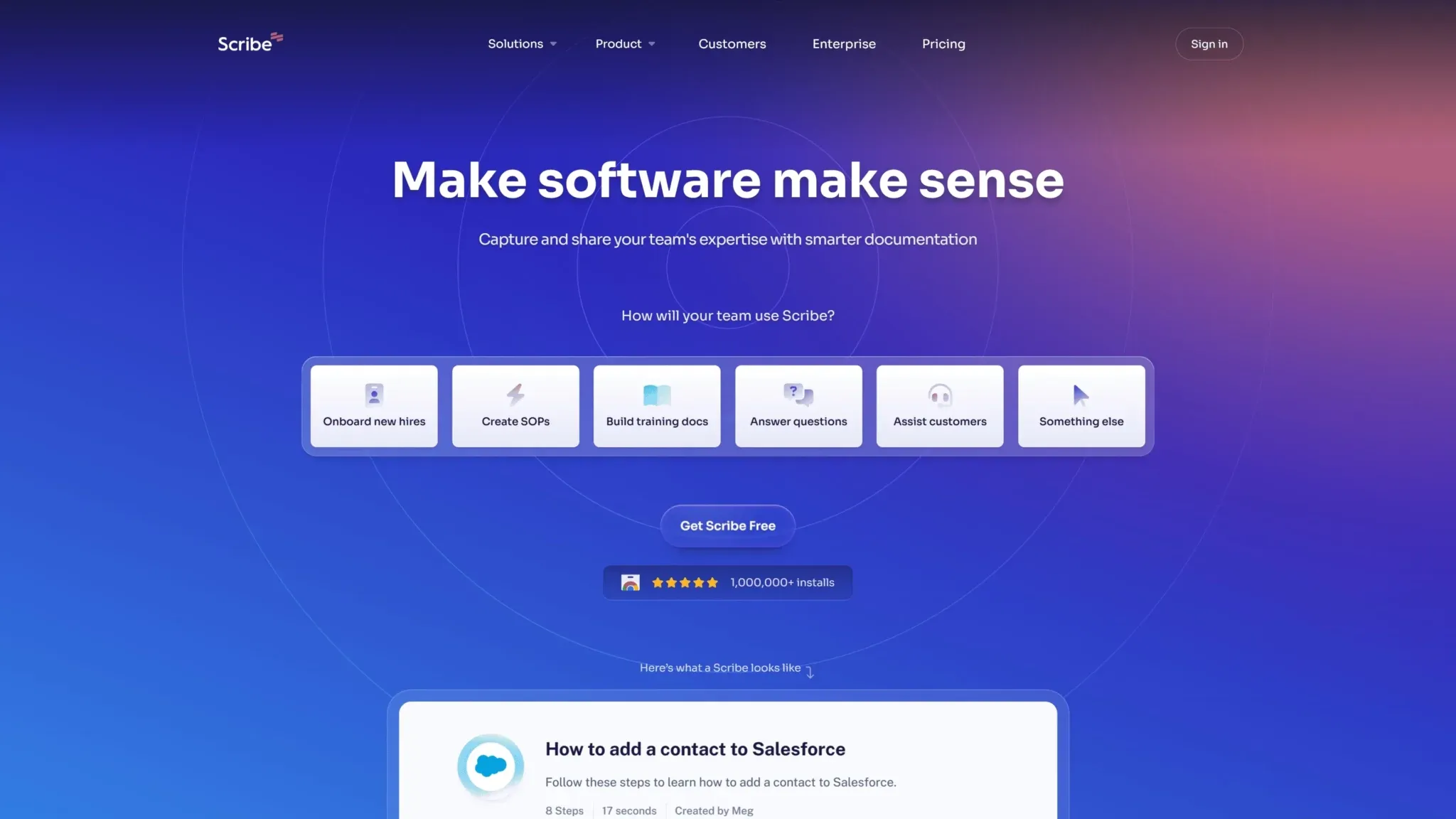
Scribe is a tool for documenting work processes and can therefore also be used for knowledge management. Companies use it to automatically create and share step-by-step instructions. This means that Scribe is probably not a knowledge management tool that covers all functions in full, but it can be used very well for step-by-step instructions. The software records workflows and converts them into structured instructions. These can be supplemented with screenshots and explanations. Above all, this makes it easier to document recurring processes.
Typical use cases include the creation of training materials, the documentation of internal processes or the provision of instructions for new employees.
How AI-based tools differ from classic ones
AI-based knowledge management systems should not only store information, but also analyze it, structure it and make it usable. They recognize patterns in data, categorize content automatically and suggest relevant information. This allows recurring tasks such as keywording or creating summaries to be automated. Modern systems go one step further: instead of a list of hits, they answer questions in natural language and show the sources behind each answer. In practice, however, the added value of such systems depends heavily on data quality and integration into existing workflows.
Challenges you should plan for
Despite their benefits, knowledge management systems also present challenges. One of the biggest difficulties is acceptance and active use by employees, which depends heavily on your organizational culture, as structured and continuous maintenance of knowledge is required. However, enterprise search solutions have the advantage that they are based on other systems and therefore knowledge does not have to be maintained in these solutions. In addition, the implementation of such a system can be time-consuming and cost-intensive, especially if existing processes have to be converted. Data protection and security are also important aspects, as sensitive company information must be protected. Finally, a poorly organized or cluttered knowledge base can make information difficult to find, which reduces efficiency.
How to choose the right solution: 7 criteria
The choice of the right knowledge management tool depends on various factors. First of all, define your specific requirements: is the focus on storing documents, training employees or networking expert knowledge? We have described an example of how to select an enterprise search in a separate article. Use these criteria to compare knowledge management systems and knowledge base software:
| Criterion | What you should check |
|---|---|
| Use case | Documentation, onboarding, search across systems or capturing tacit knowledge? |
| Integrations | Does it connect to your existing systems, or do you have to migrate content? |
| Access rights | Are existing permissions applied automatically, or do you need a second rights management? |
| Search and answers | How good are results for real questions from your teams? Do AI answers show sources? |
| Data protection and hosting | Where are data stored and processed? GDPR compliance, certifications? |
| Usability and maintenance | Will team members use it without long training? How much effort is content maintenance? |
| Scalability and costs | Does the license model fit your growth? Can you test with your own data first? |
For the data protection side, see our guide to GDPR-compliant business AI.
Mistakes to avoid during the introduction
A common mistake is unclear objectives: without a defined knowledge management strategy, the tool is often not used effectively. In addition, poor user-friendliness can lead to employees avoiding the system. Another mistake is the lack of regular maintenance and updating of content, which leads to outdated or incomplete information affecting the quality of knowledge management.
Insufficient employee training is just as problematic. If the team does not know how to use the tool effectively, the full potential remains untapped. A lack of integration with existing systems can also make acceptance more difficult, as team members have to switch between different platforms. Finally, the company should ensure that the tool is scalable with growth and changing requirements in order to offer real added value in the long term.
How to implement the tool successfully
The successful implementation of a knowledge management tool begins with a clear objective: What problems should be solved? This is followed by the selection of a suitable tool that fits into your existing systems and your knowledge management process. Employee training is also crucial to ensure broad acceptance. In the long term, the system should be regularly updated and optimized to ensure its effectiveness. We describe the best practices for organizational implementation and a checklist for the introduction of a knowledge management solution (using the example of an enterprise search solution) in separate articles.
Where the tools are heading
The future of knowledge management systems will be strongly characterized by artificial intelligence (AI) and automation, especially AI agents. AI-supported systems can automatically analyze and structure content and provide relevant information more quickly. Chatbots and virtual assistants are also increasingly being used to make it easier for employees to access the knowledge they need. Cloud technologies also enable flexible and location-independent access to knowledge. The integration of augmented reality (AR) and virtual reality (VR) could also change knowledge management by visually processing and interactively communicating complex information.
Want to see AI-based knowledge management with your own systems? Book a demo.
Frequently asked questions
What types of KM are there?
Two basic approaches are common. Codification means documenting knowledge in systems such as a knowledge base or wiki. Personalization relies on direct knowledge sharing from person to person, for example through mentoring or workshops. Most companies combine both.
What does a knowledge manager do?
A knowledge manager protects the intellectual capital of a company: defines which knowledge is critical, sets up structures for capturing and sharing it and keeps content current. The role also supports tool selection, trains employees and builds an organizational culture of knowledge sharing. In smaller companies, IT, HR or process owners often take on this task.
What counts as knowledge in a company?
Knowledge is information combined with context and experience, so that someone can act on it. A product data sheet is information. Knowing which customer configuration causes problems in production is knowledge. Documented processes, expert experience and customer insights are all knowledge assets.
How does KM differ from information management?
Information management organizes data and documents: storage, access, versioning. Knowledge management goes further and asks how employees turn that information into decisions and how experience is passed on. In practice, both overlap.
How can AI help with managing company knowledge?
AI can search across many systems at once, summarize documents and answer questions in natural language with sources. Knowledge can stay in the systems where it is created, which reduces manual maintenance. Make sure the AI respects existing access rights and processes data in a GDPR-compliant way.