
AI Strategy & Compliance
Cloud vs. On-Premise Solutions – Advantages and Disadvantages
Why the trend is towards the cloud and why a cloud solution can relieve the burden on your own IT department.
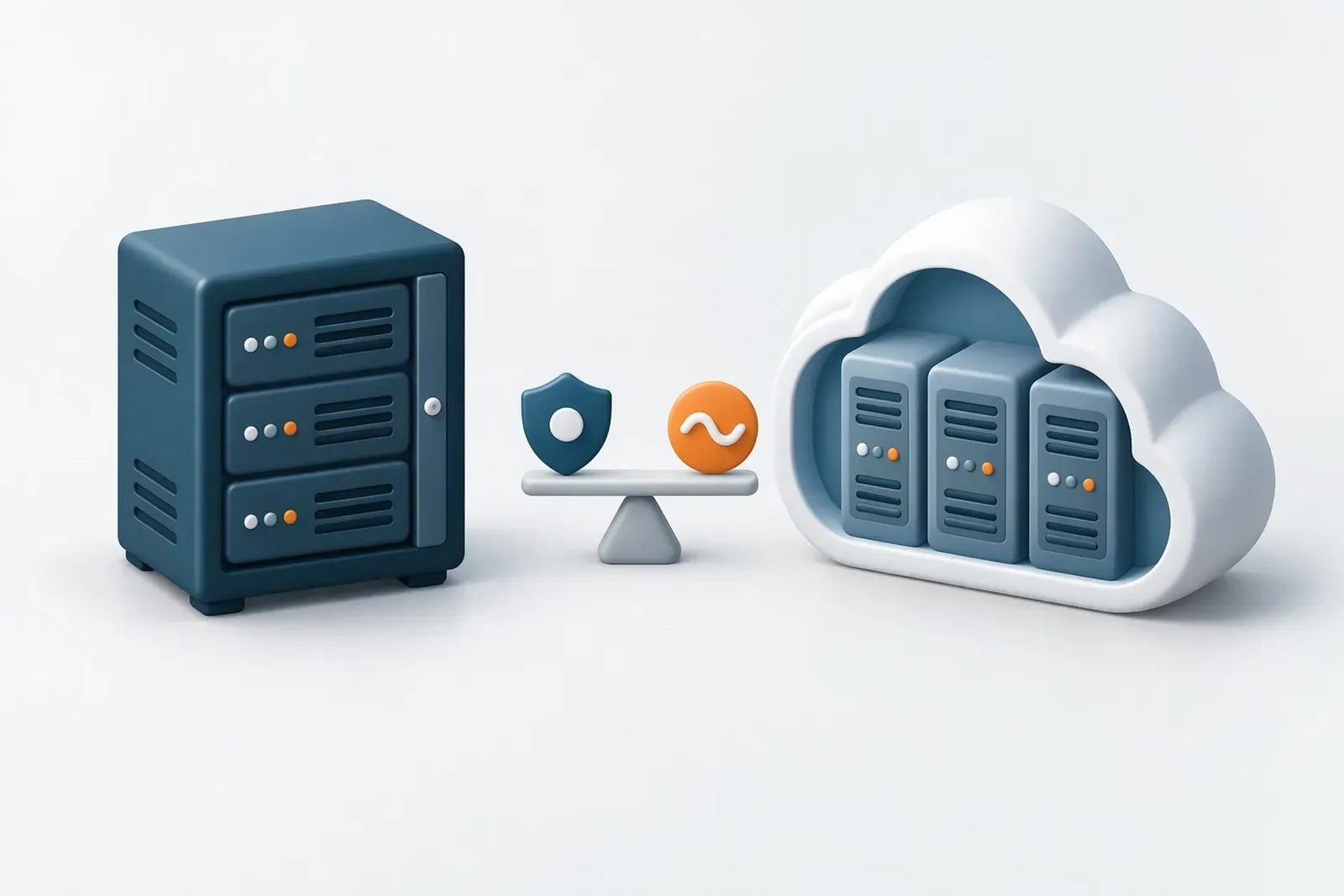
Enterprise software can be installed either on-premise or in the cloud. This article explains what consequences this has. In order to understand the added value of the respective solution, you first need to know what exactly is hidden behind the two options.
According to a Statista survey, 82% of all companies surveyed in 2020 said they were already using either private or public cloud solutions. As more and more software solutions were already being offered in the cloud in 2023, this article takes a closer look at the advantages and disadvantages of cloud and on-premise solutions.
What is a cloud solution?
In a cloud solution, your own company rents a server from another company that specializes in providing server capacity. In return, the company can easily scale the capacities and does not need any specific know-how for maintenance.
What does On-Premise mean?
With on-premise solutions, the company buys a server and manages it completely by itself. This means that the company is responsible for ensuring that the server is equipped with appropriate security technology and that it is regularly maintained and updated. In addition, when new software is introduced, the company must ensure that the appropriate server capacity is available.
For the company, on-premise means that the server is usually located in its own building and there is no outside access.
What is a private cloud solution?
A private cloud solution is a hybrid variant between on-premise and a managed service variant. With a private cloud deployment, a company reserves resources with a cloud provider.
01
Company
Commissions its cloud provider to provide the server resources
02
Cloud provider
Provides the servers under separate contracts with the customer
03
Software provider
Installs its software on the servers provided
In a collaboration, the company that wants to use the software commissions its cloud provider to provide the server resources. The software provider then installs its software on the servers that the customer makes available via its cloud provider. This means that the customer is responsible for the hardware, but outsources this responsibility independently to a cloud provider. This means that separate contracts must be concluded with the cloud provider for the provision of the servers.
This hosting variant usually becomes relevant from a four-digit number of users.
Advantages
Cloud
On-Premise
Private Cloud
Disadvantages
Cloud
On-Premise
Private Cloud
Further comments
IT security
One of the most commonly used arguments – for both sides – is probably IT security. Proponents of the on-premise solution argue that it is significantly more risky to store your own data with another company. The proponents of the cloud solution, however, counter that cloud service providers devote significantly more resources and better-trained personnel to security than the company itself ever could. If the cloud provider neglects one of its main businesses, IT security, then it usually loses its customers very quickly.
Standardization
The high level of standardization in cloud computing also means that major bugs found at one customer are fixed directly and other customers benefit from the improvement straight away. In addition, software that is standardized to a large extent is much more compatible with other applications compared to highly individualized software.
Business models
The business models that arise for on-premise and cloud providers differ greatly:
On-premise
- A one-time, relatively high sum through which you acquire the software
- Adjustments during installation so that the software runs smoothly on the hardware provided
- Complete purchase and many customizations: the provider will not regularly install updates and further develop the software
Cloud
- The software is rented rather than purchased
- Rapid updates on a regular basis, from which all customers benefit equally
Since the software is installed in a cloud, the majority of the administration and also the potential further development is not the responsibility of the already often overburdened IT departments, but of the software provider. This means that the company can always use the latest software.
Why is the trend moving towards the cloud?
The trend towards cloud solutions is mainly due to the fact that companies do not have to maintain the corresponding know-how and the installation of the software in the cloud works much faster than if they first have to buy, install and maintain their own expensive servers. Companies can flexibly add or remove resources in different performance classes, for which otherwise months of procurement processes would have to be triggered.
Technologies have never developed faster than they do today. New technologies like NLP are finding more and more use cases and are being built into more and more solutions. If you buy a server today, you will probably have a server that is no longer state of the art in 2–3 years. In addition, AI-based applications often require more computing power than classic systems. The fact that in many companies it is not possible to estimate how much computing power will be needed in a few years leads to companies avoiding purchasing their own servers and preferring to rely on flexible solutions in the cloud.
Other risks, such as flooding, for example in the Ahr valley in July 2021, pose risks just like fire, which can cause companies to lose their on-premise data completely. A cloud provider can take other & better security measures against such risks and thus protect the data even better than the company itself could with smaller investments.
It will be interesting to see how the cloud market will develop in the future.
This article was first published on MoreThanDigital.Info and can be read here.
Frequently asked questions about cloud vs. on-premise
What is the difference between cloud and on-premise?
With a cloud solution, a company rents server capacity from a specialised provider and can scale it easily. With on-premise, the company buys its own server, which is usually located in its own building, and manages it completely by itself, including security technology, maintenance and updates.
What is a private cloud?
A private cloud is a hybrid variant between on-premise and a managed service variant. The company reserves resources with its cloud provider, and the software provider installs its software on these servers. This hosting variant usually becomes relevant from a four-digit number of users.
What are the advantages of a cloud solution?
The main advantages are scalability, low upfront costs, no direct maintenance costs, device-independent access via the Internet, and continuous updates and development with SaaS models.
What are the advantages of on-premise?
On-premise offers full control over your own data, data access even if the Internet fails, a high degree of customization, your own IT infrastructure and no ongoing software costs, as software is usually purchased outright.
Is the cloud more secure than on-premise?
Both sides argue about this. Proponents of on-premise see more risk in storing data with another company. Proponents of the cloud counter that cloud service providers devote more resources and better-trained personnel to security and can take better measures against risks such as flooding or fire.
Why is the trend moving towards the cloud?
Companies do not have to maintain the know-how, installation is much faster and resources can be added or removed flexibly. In addition, purchased servers quickly become outdated, and because AI applications often need computing power that is hard to estimate, many companies prefer flexible cloud solutions.